
About Sukhothai

Sukhothai

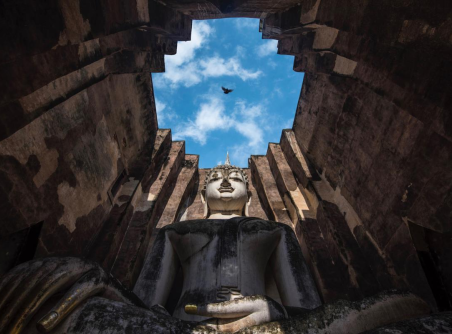
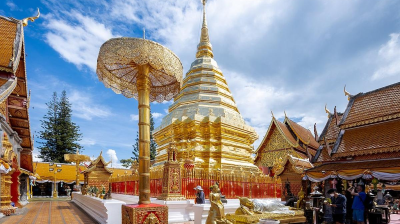
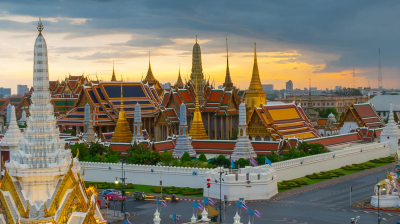
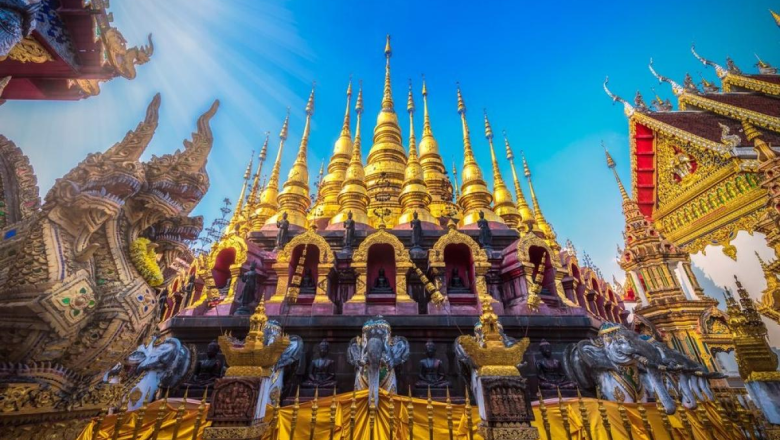
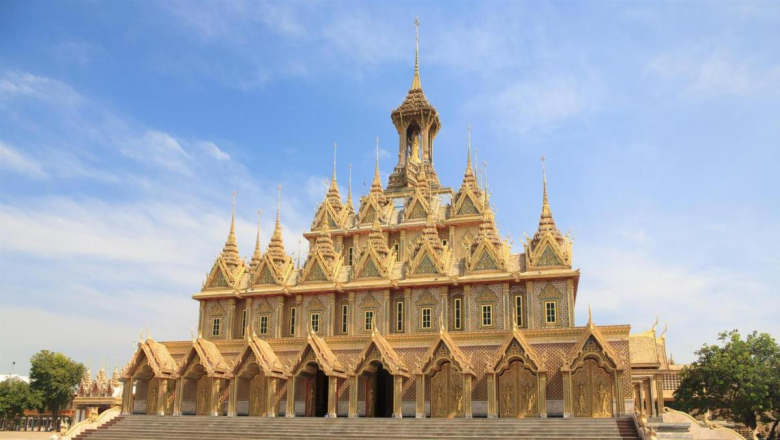
The contemporary city of Sukhothai Thani is 12 km (miles) away from Sukhothai, which is located in northeastern Thailand. Bangkok has located 430 km (280 miles) away. Sukhothai, though a small city, was spectacular at its height, boasting opulent temples, palaces, magnificent monuments, and rivers. 

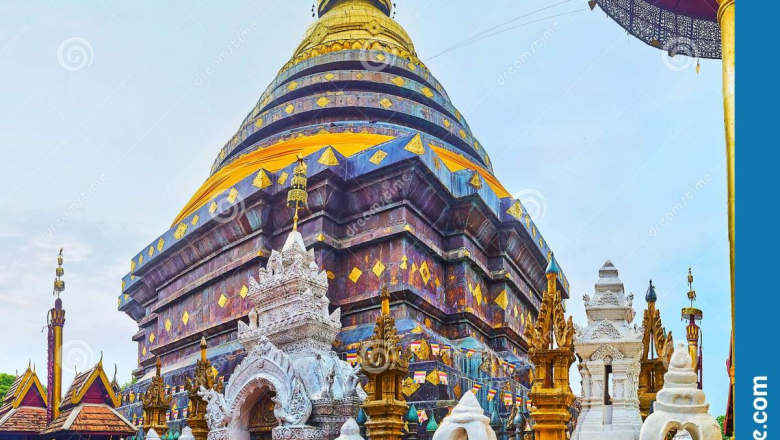
Sukhothai is still regarded by Thais as the origin of Thai culture because of the city's cultural formation of bubbles in the 13th and 14th centuries CE that had a lasting impact on Thai art, language, and politics. In 1991 CE, UNESCO designated Sukhothai as a single UNESCO World Heritage Site along with the nearby remains of Si Satchanalai and Kamphaeng Phet.

History

With Hindu temples and waterways evoking Angkor Wat, Sukhothai was once a minor Khmer metropolis in terms of layout and construction. Considering that Sukhothai still has a few remnants of earlier Khmer structures, it is most likely that the Khmer built this city at some point in the early or middle 12th century CE.

Sukhothai came to be regarded by Thai people as the earliest blooming of Thai culture and as holding a significant position in their cultural consciousness by the 19th century CE. Sukhothai was a prosperous city for less than 200 years, yet, even so, it unquestionably made a lasting impression on Thai culture and future Thai history.

Weather 

Because of the milder temperatures and convenient travel conditions, the months of November through February are the most suitable.

It is not recommended to visit Sukhothai during the scorching months of March through June. Sukhothai has rain from July to October, which makes sightseeing rather challenging.

How to get there

Bangkok to Sukhothai is 425 kilometers away (260 miles). In this article, we contrast the three options: traveling by bus (5–7.5 hours), traveling by rail and bus (6–7.5 hours), and traveling by airplane (1 hr 20 mins). From 330 THB ($9) to 1,250 THB ($34), the cost of a ticket.

The bus is by far the most practical way to get from Bangkok to Sukhothai, with tickets starting at 330 THB ($9). The bus ride, which takes between 5 and 7.5 hours, is quicker than the rail.

It can take up to 7.5 minutes by bus and train together. It is not just reasonably priced, but it's also a fantastic choice for people who need additional legroom. Additionally, you get to take in the stunning landscape along the way.

Although it is the quickest route, flying from Bangkok to Sukhothai is also the most expensive. Even though a flight takes 1 hour and 20 minutes, you still need to factor in extra time to go to and from the airport. Sukhothai's airport is situated 30 kilometers (km) north of the city.
Traveler Best Choice

Thailand Adventure 12 Days 11 Nights

Koh Chang Island - Trat - Koh Mak - Koh Kood Private

From US$ 222 US$ 111
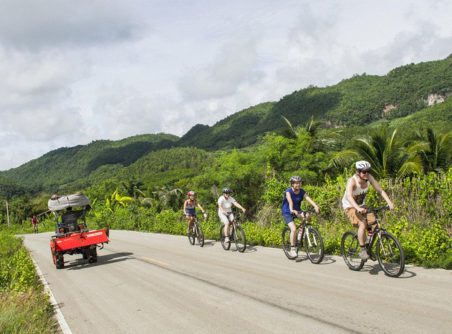
Cycling from Chiang Mai to Bangkok 12 Days 11 Nights

Koh Chang Island - Trat - Koh Mak - Koh Kood Private

From US$ 222 US$ 111
Myanmar & Thailand by Myawaddy Border 16 Days

Koh Chang Island - Trat - Koh Mak - Koh Kood Private

From US$ 222 US$ 111
Northern of Thailand Adventure 11 Days

Koh Chang Island - Trat - Koh Mak - Koh Kood Private

From US$ 222 US$ 111
Wanderlust to Cambodia & Thailand in 21 days.

Koh Chang Island - Trat - Koh Mak - Koh Kood Private

From US$ 222 US$ 111
Trailblazing Expedition in Thailand and Laos in 18 days

Koh Chang Island - Trat - Koh Mak - Koh Kood Private

From US$ 222 US$ 111

What to do in Sukhothai

dsds

Restaurants & Bars in Sukhothai

dsds

Destinations around

FAQs

This is the first item’s accordion body. It is shown by default, until the collapse plugin adds the appropriate classes that we use to style each element. These classes control the overall appearance, as well as the showing and hiding via CSS transitions. You can modify any of this with custom CSS or overriding our default variables. It’s also worth noting that just about any HTML can go within the .accordion-body, though the transition does limit overflow.

This is the second item’s accordion body. It is hidden by default, until the collapse plugin adds the appropriate classes that we use to style each element. These classes control the overall appearance, as well as the showing and hiding via CSS transitions. You can modify any of this with custom CSS or overriding our default variables. It’s also worth noting that just about any HTML can go within the .accordion-body, though the transition does limit overflow.

This is the third item’s accordion body. It is hidden by default, until the collapse plugin adds the appropriate classes that we use to style each element. These classes control the overall appearance, as well as the showing and hiding via CSS transitions. You can modify any of this with custom CSS or overriding our default variables. It’s also worth noting that just about any HTML can go within the .accordion-body, though the transition does limit overflow.

This is the third item’s accordion body. It is hidden by default, until the collapse plugin adds the appropriate classes that we use to style each element. These classes control the overall appearance, as well as the showing and hiding via CSS transitions. You can modify any of this with custom CSS or overriding our default variables. It’s also worth noting that just about any HTML can go within the .accordion-body, though the transition does limit overflow.

This is the third item’s accordion body. It is hidden by default, until the collapse plugin adds the appropriate classes that we use to style each element. These classes control the overall appearance, as well as the showing and hiding via CSS transitions. You can modify any of this with custom CSS or overriding our default variables. It’s also worth noting that just about any HTML can go within the .accordion-body, though the transition does limit overflow.

This is the third item’s accordion body. It is hidden by default, until the collapse plugin adds the appropriate classes that we use to style each element. These classes control the overall appearance, as well as the showing and hiding via CSS transitions. You can modify any of this with custom CSS or overriding our default variables. It’s also worth noting that just about any HTML can go within the .accordion-body, though the transition does limit overflow.