About Phitsanulok

Phitsanulok is a large historic town in northern Thailand, just 4 hours by train from Bangkok. Discover the good reasons to go there!

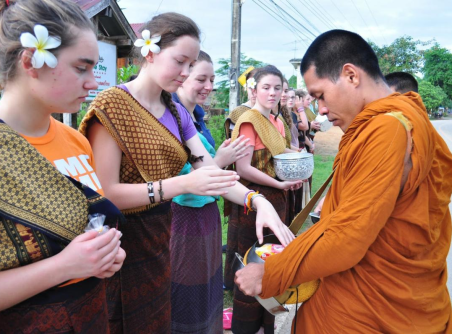
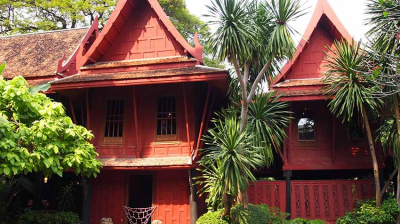
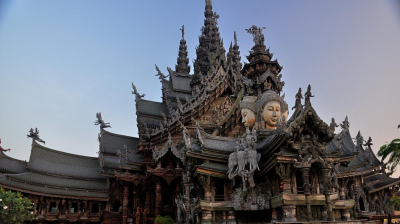
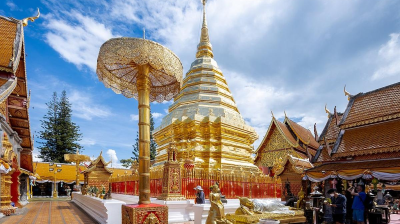
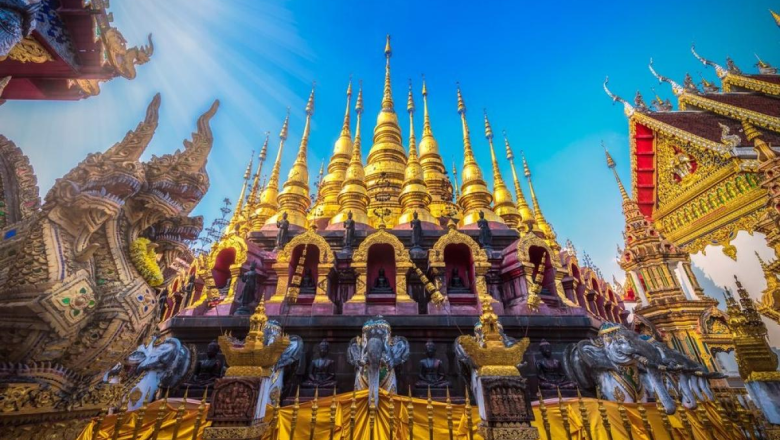
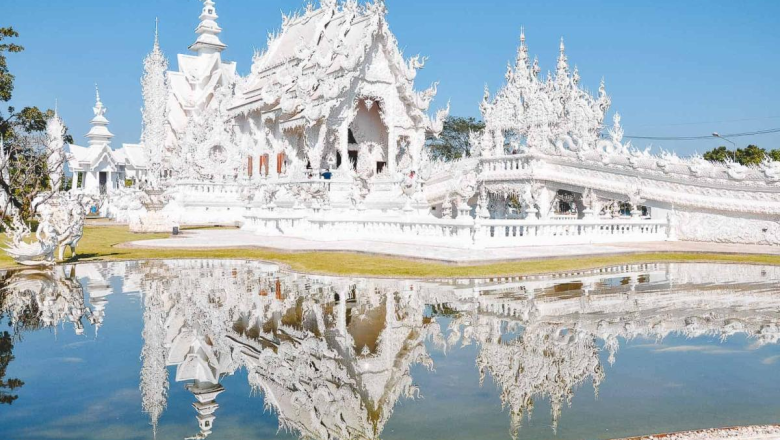
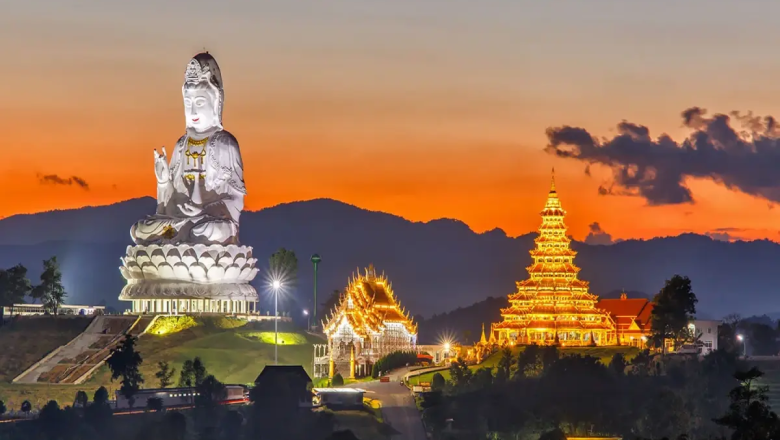
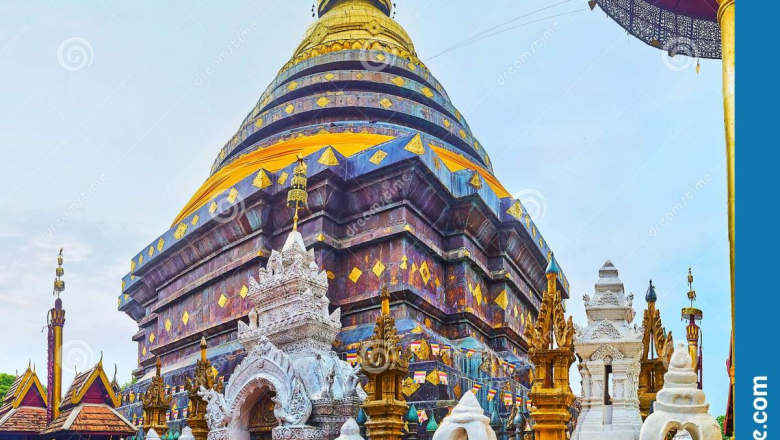
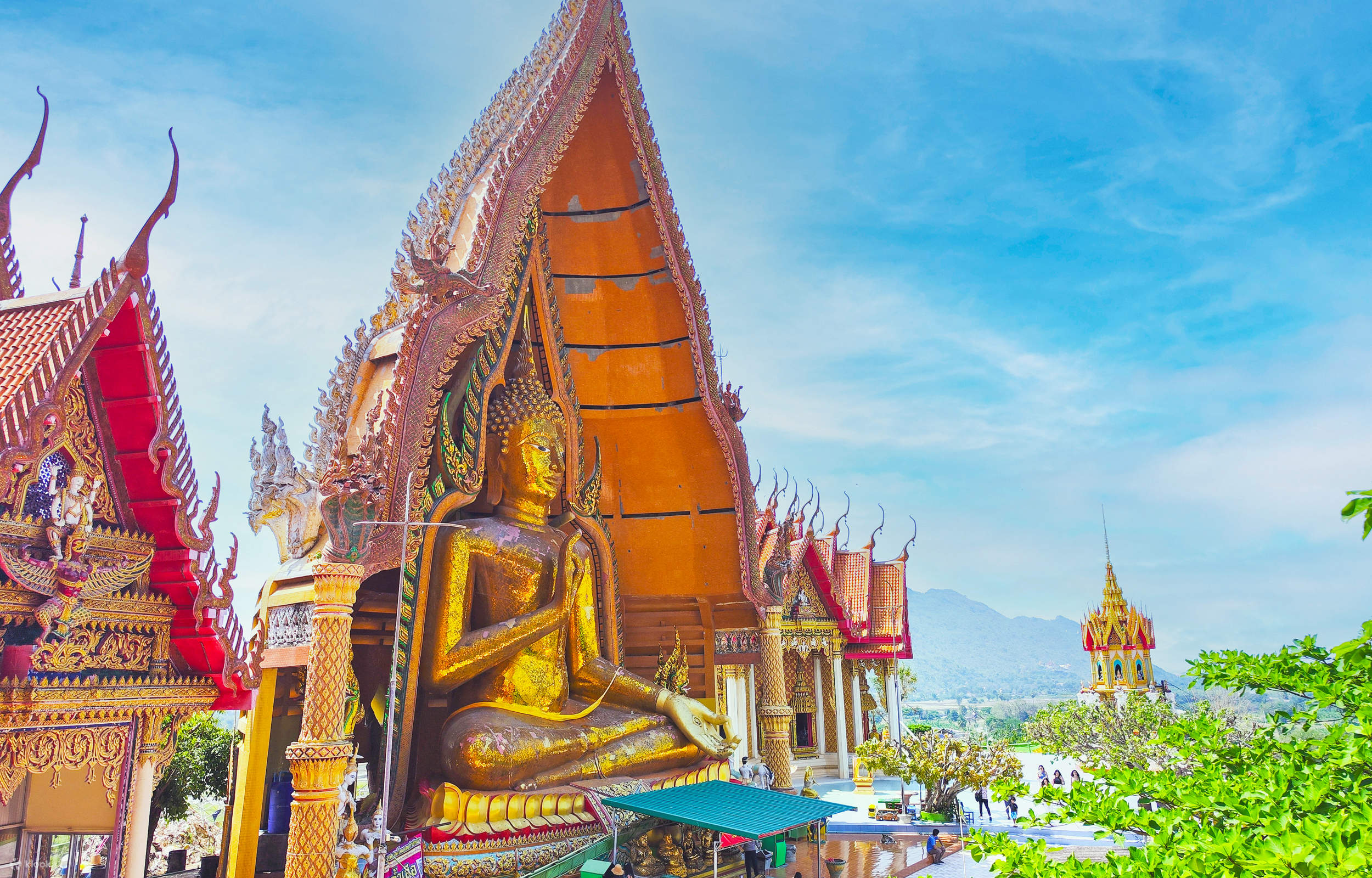
In the era of mass tourism, few destinations have managed to maintain perfect authenticity. This is not the case with Phitsanulok, a former capital of the kingdom of Siam, bordering Sukhothai and Laos. Although the opening of an international airport has boosted tourist numbers, the birthplace of King Naresuan the Great has remained true to itself: a melting pot of Buddhist temples, a high place of pilgrimage for souls in search of illumination, a major natural resource area. The Chinnarat Buddha statue is just the icing on the cake among the attractions of this timeless city. . Be sure to stop by Phitsanulok for an off-the-beaten-track trip to northern Thailand.

How to get there ?

By bus
Phitsanulok is only about six hours by bus from the capital. Many lines provide the connection between the two cities. Bangkok's main bus station is at Mo Chit on Kamphaeng Phet II Road.

By train
For railroaders, there are train services between Phitsanulok and Bangkok from Hua Lamphong station and back.

By plane
If your wallet agrees, flying is the safest way to get around the territory quickly. The city of Phitsanulok has an airport that receives domestic flights. The companies Nok Air, Thai AirAsia and Thai Lion Air offer flights to Phitsanulok from the capital.

By car
The car will undoubtedly appeal to fans of road trips. Here is the route to follow to reach the city from Bangkok.

Take the highway N°1 which passes by Ayutthaya, then take the highway N°32 in the direction of In Buri. Then continue your way by taking the highway N°11 which leads to Wang Thong. Finally, take Highway No. 12 which will take you directly to Phitsanulok.
Traveler Best Choice

Thailand Adventure 12 Days 11 Nights

Koh Chang Island - Trat - Koh Mak - Koh Kood Private

From US$ 222 US$ 111
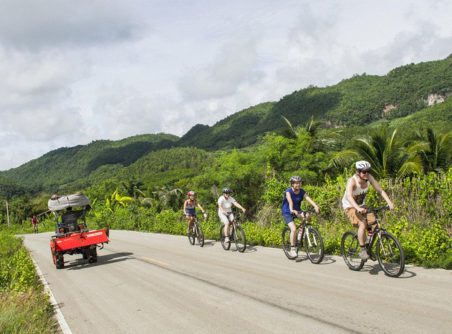
Cycling from Chiang Mai to Bangkok 12 Days 11 Nights

Koh Chang Island - Trat - Koh Mak - Koh Kood Private

From US$ 222 US$ 111
Northern of Thailand Adventure 11 Days

Koh Chang Island - Trat - Koh Mak - Koh Kood Private

From US$ 222 US$ 111

What to do in Phitsanulok

dsds

Restaurants & Bars in Phitsanulok

dsds

Destinations around

FAQs

This is the first item’s accordion body. It is shown by default, until the collapse plugin adds the appropriate classes that we use to style each element. These classes control the overall appearance, as well as the showing and hiding via CSS transitions. You can modify any of this with custom CSS or overriding our default variables. It’s also worth noting that just about any HTML can go within the .accordion-body, though the transition does limit overflow.

This is the second item’s accordion body. It is hidden by default, until the collapse plugin adds the appropriate classes that we use to style each element. These classes control the overall appearance, as well as the showing and hiding via CSS transitions. You can modify any of this with custom CSS or overriding our default variables. It’s also worth noting that just about any HTML can go within the .accordion-body, though the transition does limit overflow.

This is the third item’s accordion body. It is hidden by default, until the collapse plugin adds the appropriate classes that we use to style each element. These classes control the overall appearance, as well as the showing and hiding via CSS transitions. You can modify any of this with custom CSS or overriding our default variables. It’s also worth noting that just about any HTML can go within the .accordion-body, though the transition does limit overflow.

This is the third item’s accordion body. It is hidden by default, until the collapse plugin adds the appropriate classes that we use to style each element. These classes control the overall appearance, as well as the showing and hiding via CSS transitions. You can modify any of this with custom CSS or overriding our default variables. It’s also worth noting that just about any HTML can go within the .accordion-body, though the transition does limit overflow.

This is the third item’s accordion body. It is hidden by default, until the collapse plugin adds the appropriate classes that we use to style each element. These classes control the overall appearance, as well as the showing and hiding via CSS transitions. You can modify any of this with custom CSS or overriding our default variables. It’s also worth noting that just about any HTML can go within the .accordion-body, though the transition does limit overflow.

This is the third item’s accordion body. It is hidden by default, until the collapse plugin adds the appropriate classes that we use to style each element. These classes control the overall appearance, as well as the showing and hiding via CSS transitions. You can modify any of this with custom CSS or overriding our default variables. It’s also worth noting that just about any HTML can go within the .accordion-body, though the transition does limit overflow.